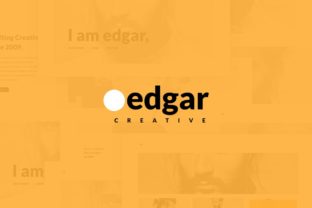
Edgar Creative: A Modern Minimal Sketch Theme for Designers
There's a particular kind of clarity that comes with a well-organized design file. You open it, and everything makes sense. Layers are named logically, artboards flow in a coherent sequence, and the visual language is consistent from start to finish. That feeling—of efficiency and creative freedom combined—is exactly what the Edgar Creative theme package aims to deliver. Built as a modern minimal Sketch theme with three distinct color variants, this resource was crafted for designers and developers who value both aesthetics and workflow.
Beyond the Template: Understanding the Edgar Creative Aesthetic
At its core, Edgar Creative embraces the principles of modern minimalism. This isn't about stark emptiness, but about intentional simplicity. Clean lines, generous whitespace, and a focus on typography create a sense of sophistication and calm. The three color variants—a classic neutral palette, a bold contemporary scheme, and a soft, muted option—allow you to tailor the mood without compromising the underlying structure. It’s a type of design that feels current and timeless simultaneously, making it suitable for everything from a tech startup's branding to an artisan's product packaging.
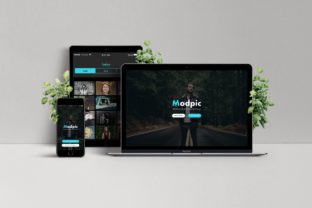
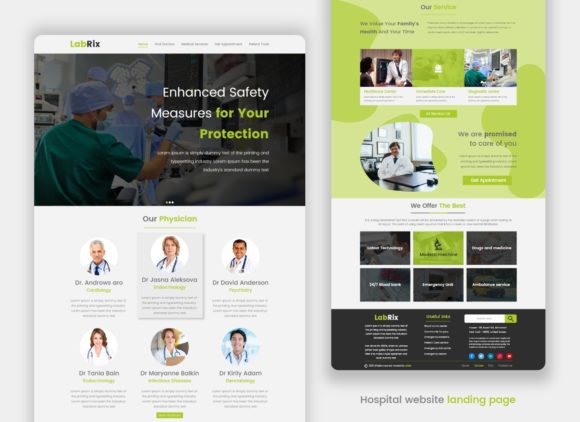
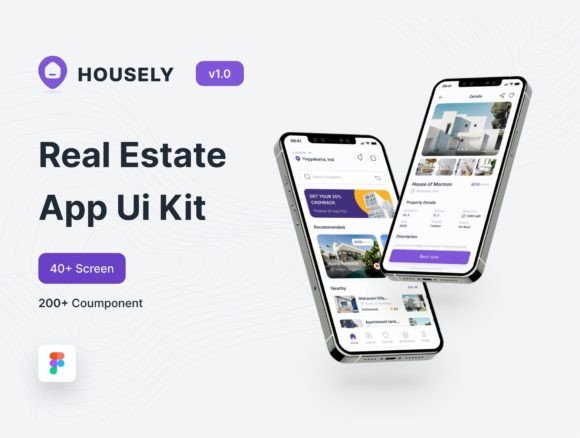
The real value lies in its construction. The package includes 18 meticulously crafted artboards across 18 pages. Each artboard isn't just a standalone mockup; it's a component of a larger design system. You might find a homepage layout that shares a header and footer system with an about page, or a product page whose grid structure informs the design of a social media ad set. This interconnectedness is what transforms a collection of templates into a genuine design asset, helping you maintain visual consistency across an entire project or brand identity.
Practical Applications for the Modern Creative
Let's talk about where a theme like this actually gets used. For a freelance designer, it's a starting point that saves hours of initial setup. Instead of building a brand style guide from scratch, you can adapt the existing typography and layout systems to a client's brief, focusing your energy on customization rather than foundational work. The included free Google Font is a smart choice, ensuring accessibility and eliminating licensing headaches for web projects.
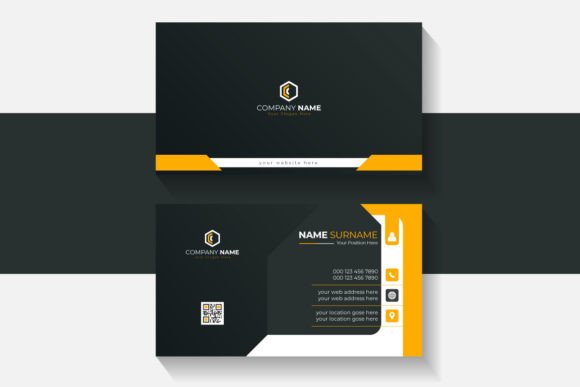
For small business owners and entrepreneurs, the applications are immediately tangible. The theme's clean aesthetic translates beautifully to packaging design—think minimalist labels for skincare products or elegant sleeves for artisanal foods. The artboards can guide the creation of marketing assets like email headers, sale banners, and digital brochures that look cohesive and professional. When your Instagram grid, website hero section, and product tags all share the same design DNA, it significantly boosts brand recognition.
Content creators and bloggers will find it especially useful for developing a unique visual identity. The theme can inform the layout of a media kit, the design of Pinterest graphics, or the structure of an editorial blog layout. Using the same typographic hierarchy and spacing rules across your platform makes your content more readable and your brand more memorable. It’s a practical way to elevate your social media graphics and digital products like PDF guides or worksheets.
Maximizing Your Workflow with Editable Layers
A key feature highlighted in the theme's specs is its 100% editable layers and layouts. This is where the practical magic happens for developers and designers alike. Every element—from buttons and icons to text boxes and image placeholders—is fully customizable. You're not locked into a rigid structure. Need to adjust the grid? Change a button's corner radius? Swap a color accent across the entire project? The organized layer structure makes these tasks straightforward.
This level of editability encourages experimentation. You can quickly test different font pairings with the core typeface, explore alternative color combinations within the provided variants, or reconfigure layouts to suit different content lengths. The sharp pixel quality ensures that your designs look crisp on all screens, a non-negotiable in today's high-resolution world. Think of the theme not as a finished product, but as a high-fidelity wireframe and style guide rolled into one, giving you a professional foundation to build upon.
Making It Your Own: Font Selection and Brand Alignment
While the Edgar Creative theme provides a strong typographic starting point, understanding how to choose and pair fonts is a crucial skill for any creative project. The goal is to select a typeface that mirrors your brand's personality. A serif font might convey tradition and reliability, while a clean sans serif font suggests modernity and approachability. Script or handwritten fonts add a personal, artisanal touch but should be used sparingly for readability.
When working with a theme like this, review the included font styles carefully. Does it offer a bold weight for headlines and a light weight for body copy? Is there an italic style for emphasis? Using these styles correctly creates a clear visual hierarchy, guiding the viewer's eye through your content. For your own projects, consider testing your chosen font pairings in the context of the theme's layouts. Does your selected heading font clash with the body text? Does it maintain readability at different sizes? A practical test is to print a sample or view it on multiple devices.
Finally, always be mindful of commercial licensing when using any design asset. The inclusion of a free Google Font in the Edgar Creative package is a definite plus, simplifying the legal aspect for both personal and commercial use. For any other fonts you incorporate, ensure you have the proper license for your intended use, whether it's for a client's logo design, merchandise, or a marketing campaign. This due diligence protects you and your clients, allowing you to focus on what you do best: creating compelling, effective design.