Instant Impact: Using 3D Text Effects in Your Design Projects
You know that feeling when you're staring at a blank canvas, trying to create a header for a client presentation or a social media post, and you just need something that looks polished and professional right now? We've all been there. The pressure to produce high-quality visuals that grab attention is real, especially when you're juggling multiple projects or running your own business. That's where smart, editable design assets come into play, saving you hours of work while delivering that wow factor.
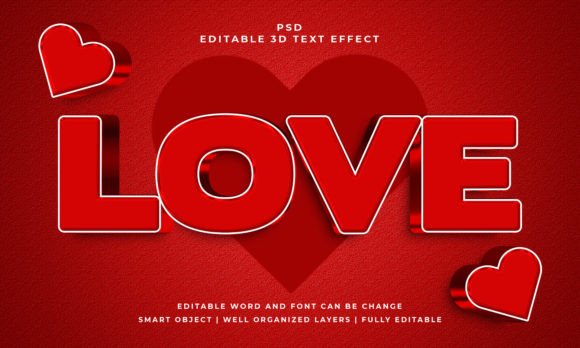
One particularly versatile tool in a designer's toolkit is the 3D text effect. It adds depth, dimension, and a tactile quality to typography that flat text simply can't achieve. Think about the last time a logo or a headline with a subtle bevel, shadow, or extrusion caught your eye. That extra layer of realism makes the text feel more substantial, more important. It's a psychological trick, really—our brains are wired to notice objects that appear to exist in three-dimensional space.
Beyond Flat Design: Adding Dimension with Ease
The challenge, of course, is creating convincing 3D effects from scratch. It requires a good understanding of light, shadow, perspective, and layering in software like Adobe Photoshop. For many, especially those whose core skills lie in strategy, writing, or business management, this can be a significant time sink. This is precisely why pre-built, editable text effects are so valuable. They democratize high-end design, allowing anyone to apply professional-grade treatments to their text with minimal effort.
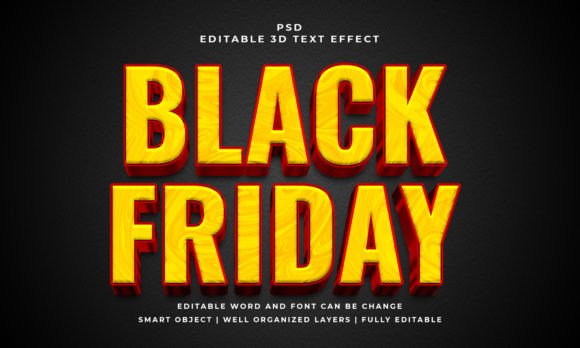
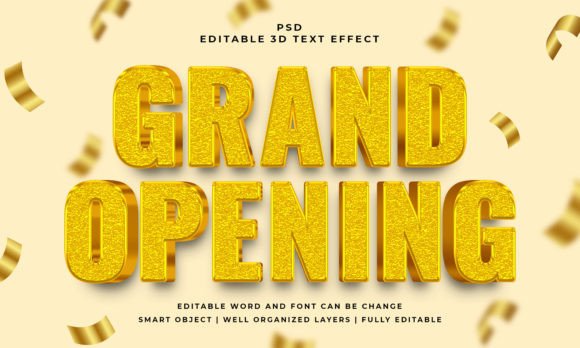
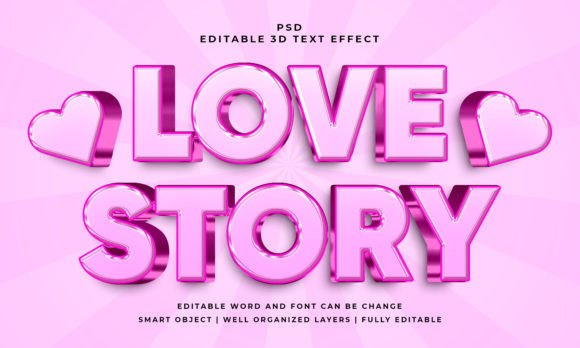
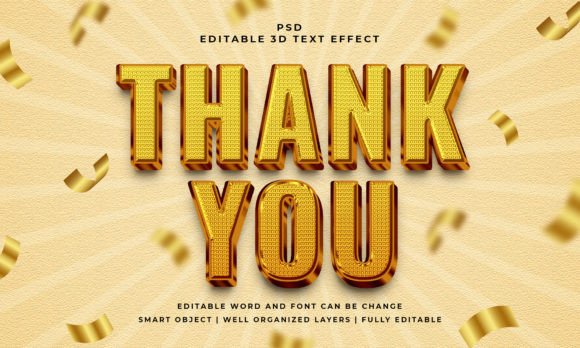
Take, for example, a resource like the Thank You 3D Editable Text Effect. The beauty of such a file lies in its simplicity and flexibility. You're not just getting a static image. You're receiving a layered Photoshop file where the text is contained within a Smart Object. This means you can double-click that layer, type in your own words—a company name, a headline, a call to action—and the entire 3D effect automatically applies to your new text. The lighting, the shadows, the reflections—they all update dynamically. It works with text, vector shapes, or any custom shape you create, making it incredibly adaptable.
Practical Applications Across the Board
So, where exactly can you use a resource like this? The applications are broader than you might initially think. Let's break it down.
- Branding & Logo Design: While a primary logo should often work in flat black and white, a 3D text effect is perfect for secondary logos, submarks, or brand marks used on specific materials. Imagine a 3D version of your brand name on a website header, a presentation title slide, or the back of a business card. It adds a layer of sophistication and memorability.
- Packaging Design: For product labels, boxes, or sleeves, 3D text can make the product name pop off the shelf. It suggests quality and craftsmanship before the customer even reads the description. A subtle emboss or extrude effect can make all the difference in a competitive retail environment.
- Social Media Graphics: This is where 3D text truly shines. In a fast-scrolling feed, a bold, dimensional headline for a YouTube thumbnail, an Instagram story announcement, or a Facebook ad can dramatically increase stop-the-scroll potential. It signals that the content is worth a second look.
- Websites & Blogs: Use it for key section headers, promotional banners, or hero image text. It breaks up the monotony of flat layouts and draws the visitor's eye to the most important message on the page. Just be mindful of file size and page load speed if using it heavily.
- Print Materials: From posters and flyers to invitations and editorial layouts, 3D text adds a tactile, premium feel. For event invitations, it can set a luxurious tone. In a magazine spread, it can create a powerful, cinematic headline.
- Merchandise & Digital Products: Think about the front of a notebook, a tote bag, or a digital planner cover. A well-rendered 3D text effect can make merchandise feel more desirable and digital products look more polished and valuable.
Maximizing Visual Impact and Brand Cohesion
Using a high-quality text effect isn't just about making things look "cool." It serves strategic communication goals. Consistent use of a particular style—like a specific 3D treatment—across your marketing assets can become a recognizable part of your visual identity. It builds brand recognition. When people see that unique, dimensional headline style, they start to associate it with your content or your business, even before they read the logo.
Furthermore, a well-applied 3D effect can actually enhance readability, especially for short, impactful headlines. The added depth creates a stronger contrast against the background, making the text easier to discern at a glance. This is crucial for web design and social media graphics where you have mere seconds to communicate your message.
Tips for Using Editable Text Effects Effectively
While these assets are designed for ease, a little strategy goes a long way. First, consider the personality of the effect. Does the style of the 3D rendering match the tone of your project? A hard, metallic extrude might be perfect for a tech company or a gaming event, but less so for a wedding invitation. A soft, glossy effect might suit a beauty brand, while a rugged, textured one could work for an outdoor adventure blog.
Always pair your 3D headlines with simpler body text. If you use a bold 3D display font for your main headline, opt for a clean, highly readable sans-serif or serif font for the paragraphs below. This creates a visual hierarchy that guides the reader's eye and maintains overall readability. The included files often provide previews, so experiment with different text and font combinations within the Smart Object to see what feels right for your specific project before committing.
Finally, remember that less is often more. Reserve your 3D text effects for key focal points. If every piece of text on your page is in 3D, the effect loses its power and can become visually overwhelming. Use it strategically to highlight your most important message.
In a world saturated with content, standing out requires smart tools and a keen eye for detail. Editable design assets like pre-built text effects empower you to create professional, attention-grabbing visuals efficiently, freeing up your time to focus on the message, the strategy, and the connection with your audience. It's about working smarter, not harder, to achieve that polished, dimensional look that makes your work memorable.